Destiny 2 Zero Hour Guide: Route & Outbreak Perfected
Prepare for Zero Hour in Pinnacle Ops: check current rewards, find the alternate vents and plan fans, TR3-VR, the vault floor and final arena.
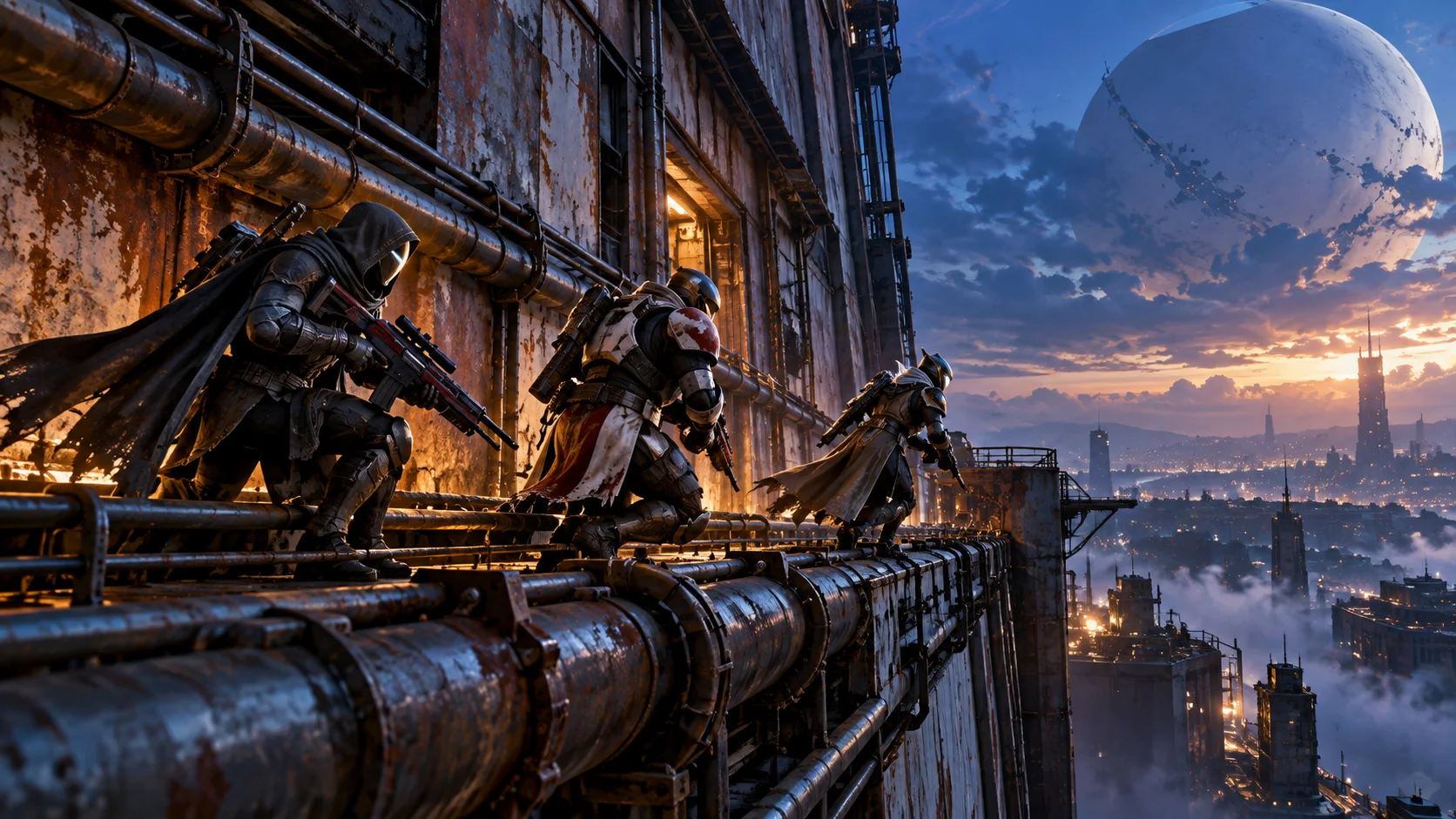
Zero Hour combines a fight through the old Tower with vents, exposed jumps, machinery and a final arena. Learning where the route changes is often more useful than copying a speedrun loadout. This guide helps you recognize the difficult sections and separate a completion goal from optional weapon or Triumph progress.
Reviewed October 14, 2026. Bungie’s current released changes support the launch and completion-reward advice. Dated player reports support the route notes; this is a preparation and troubleshooting guide, not a tested turn-by-turn map of every difficulty.
Zero Hour Now: Pinnacle Ops and Completion Rewards
Update 9.7.0 added Zero Hour to Pinnacle Ops and moved its Exotic reward to activity completion. Associated quests were deprecated, secrets remain available for their Triumphs, and a mid-activity loot chest was added. Bungie’s released Zero Hour changes.
Bungie’s May 2024 return announcement identifies Outbreak Perfected as the mission’s Exotic Pulse Rifle. Its old Into the Light launch directions belong to that release; use the current Pinnacle Ops card instead. Dated Outbreak Perfected return announcement.
- Open Zero Hour in Pinnacle Ops and inspect the selected difficulty.
- Read the reward preview, modifiers and any displayed time condition.
- Decide whether this run is for completion, learning or a separate optional objective.
- Keep that goal clear when choosing teammates and preparing a loadout.
Do Not Treat Every Timer as a Forced Wipe
Bungie’s current Ops interface displays applicable time limits before launch and distinguishes time-based score bonuses. Read the selected card instead of carrying forward a universal old 20-minute rule. Current Ops timing and scoring changes.
July 2026 players report completing Zero Hour beyond its older time limit, with replies distinguishing score timing from harsher selected conditions. Those observations are specific player accounts, not a promise that every difficulty or modifier removes the possibility of failure. Player completion and timing discussion.
For a learning attempt, focus on the section you keep losing track of. If you later choose a tighter condition, use the familiar route as your starting point. Do not abandon an attempt solely because a timer looks like the one in an old video; read what the current objective actually requires.
Route Landmarks: Find the Next Safe Section
Preparation checkpoints, not a universal difficulty map
| Section | What to prepare |
|---|---|
| Opening combat | A dependable way to clear enemies and reach the next passage. |
| Ship room and vents | Check which entrance is open in the selected version. |
| Exterior platforms | Choose visible landing points before committing to the jump. |
| Fans and machinery | Control the drop rather than rushing into the blades. |
| TR3-VR maze | Agree directions, switch responsibilities and a recovery route. |
| Vault floor | Read the current path and keep teammates informed. |
| Final arena | Follow the full completion state, including remaining enemies. |
Use landmarks everyone can recognize, such as the ship room or fan shaft. A direction like “the next vent” is not enough when several players are in different rooms. Have the first player confirm the next safe position before asking someone unfamiliar with the route to follow.
Closed Grate in the Ship Room: Check the Alternate Route
A June 2026 player thread describes a closed under-ship grate and identifies the upper ventilation area as the alternate route. If the entrance in your reference is shut, inspect the upper vents and match the open passage to the version you launched. Dated alternate-route player discussion.
Do not assume a shut grate is a bug or that shooting it will reproduce a different difficulty’s route. Pause at the landmark, identify the open path and confirm it with the group. If someone is already ahead, ask them to describe the entrance rather than simply calling “follow me.”
Exterior Jumps and Fans: Practise Controlled Movement
The exterior wall and fans are recurring trouble spots in player reports. A July 2026 fan reply recommends aligning with the drop and moving forward through it rather than jumping down the slide. Treat that as a player technique to practise, not a guaranteed shortcut. Recent fan-section player account.
- Look at the intended landing before starting a jump or drop.
- Approach with a movement setup you already understand.
- When an attempt fails, identify whether momentum, alignment or the next landing caused it.
- Repeat the same controlled approach before adding a new movement trick.
In a group, report where you are stuck before the lead player leaves the area. For solo practice, spend attention on the repeated failure point instead of trying to make every successful section faster. Familiar movement is usually easier to reproduce than an unfamiliar trick copied from a video.
TR3-VR Maze: Share the Switch Plan
The original Expert solo account describes four switches, TR3-VR and electrical barriers. Use recognizable directions and track which switches have been handled; avoid sending every teammate toward the same one. Original player maze explanation.
Agree who takes each side and how you will call a completed switch. If someone becomes blocked, report the barrier and location so the group can adjust. Do not announce the exit as ready until the required switch state is confirmed.
Vault Floor: Keep the Trailing Player in the Plan
The May 2024 player note identifies a left-wall switch after the floor crossing that helps following teammates. Replies also report room resets when the whole group leaves. Check the visible state and avoid treating an old floor pattern or switch activation as permanent. Historical floor-switch and team-transition account.
Let one player read the route while the others wait for a clear instruction. After crossing, confirm that teammates can follow before rushing away. This page does not provide a single floor pattern that claims to work on every current version.
Final Arena: Watch for Full Completion
Player accounts of the reprised fight describe Walkers, a Brig and remaining enemies after boss damage. Their key warning is to finish the arena objective, not stop when the first boss disappears. Historical final-arena player discussion.
Agree who watches the remaining threats and who focuses the current damage target. Use a familiar defensive option when recovering rather than committing every resource at once. Keep looking for the actual completion message and reward state before leaving the activity.
Outbreak, Catalyst and Optional Goals Are Separate Checks
Start with the reward preview and your weapon inspection. A completion, a Catalyst and a crafting option are different goals. Bungie’s quest-deprecation change means older Ada-1 or Outbreak Refined walkthroughs should not be treated as the current universal checklist. Released quest and secret changes.
Write down the exact unlock you are pursuing before the run. Afterward, check that specific entry rather than assuming every optional step was included. Historical switch and vault-puzzle guides can explain older layouts, but this review does not certify their old upgrade requirements for the current client.
Build Advice on CFNBoost
The current Destiny 2 coaching service offers one-, two- and three-hour build and loadout discussions. These are advice sessions where you play your own character; their prices already include Self-play without a separate boosting participation surcharge.
Choose the session length and review the current total in your preferred display currency. The listed advice package is not a named Zero Hour carry or an Outbreak/Catalyst unlock. Use the published selection for the goal it actually describes.
Compare build and loadout advice sessions
Destiny 2 Live Coaching & Guided Runs
- Live Self-play coaching
- Named guided activity runs
- Separate timed advice sessions
For another Exotic mission, read the current Whisper guide. For wider endgame planning, compare the raid and dungeon rotation guide or browse Destiny 2 services.
Zero Hour FAQ
Launch, practice and service scope
Where should I find the current Zero Hour activity?
Use its Pinnacle Ops card. Check the selected difficulty and reward preview before following older launch directions.
Should every run be treated as the old 20-minute version?
Read the current card and selected conditions. This guide does not impose an old universal timer or promise that every modifier allows unlimited recovery.
How should I handle a route guide that does not match my room?
Stop at a recognizable landmark, compare the version you launched and identify the actual open passage. A mismatch is not by itself proof of a bug.
What should I practise when movement keeps ending an attempt?
Identify the specific landing, alignment or momentum problem. Use a familiar setup and repeat one controlled approach before adding a new trick.
How can a team avoid losing track of maze progress?
Assign clear directions and responsibilities, call completed switches and report blocked routes. Confirm the required state before announcing the next transition.
Does the coaching card sell a Zero Hour clear?
No. The linked one-, two- and three-hour selections are build and loadout advice sessions. They are not a named mission carry or weapon unlock.
Does coaching add another 20% for Self-play?
No. Self-play is already included in the current coaching price. Review the selected session total in the configurator.
Does this page contain every current Catalyst puzzle solution?
No. It separates optional weapon goals from completion and explains common route problems. Check the specific unlock requirement for your selected goal.
Sources and Review Scope
Reviewed October 14, 2026. Official release notes establish current launch, completion rewards, quest changes and timing UI. Player threads are dated route and troubleshooting references, not official instructions or CFNBoost gameplay footage. Role plans and practice suggestions are original editorial advice. Exact current floor codes, every difficulty map, Catalyst conditions and measured clear times are outside this review.
- Bungie: Update 9.7.0 Zero Hour and Ops changes
- Bungie: dated Outbreak Perfected return announcement
- June 2026 players: alternate ventilation route
- July 2026 players: timing and fan-section discussion
- Original Expert solo player: maze plan
- May 2024 players: floor switch and room transitions
- May 2024 players: final-arena completion