Destiny 2 Armor Mods Guide: Armor Charge & Effects
Choose Destiny 2 armor mods by their triggers. Understand Armor Charge, Siphon, Kickstart, Surges, stacking choices and current loadout checks.
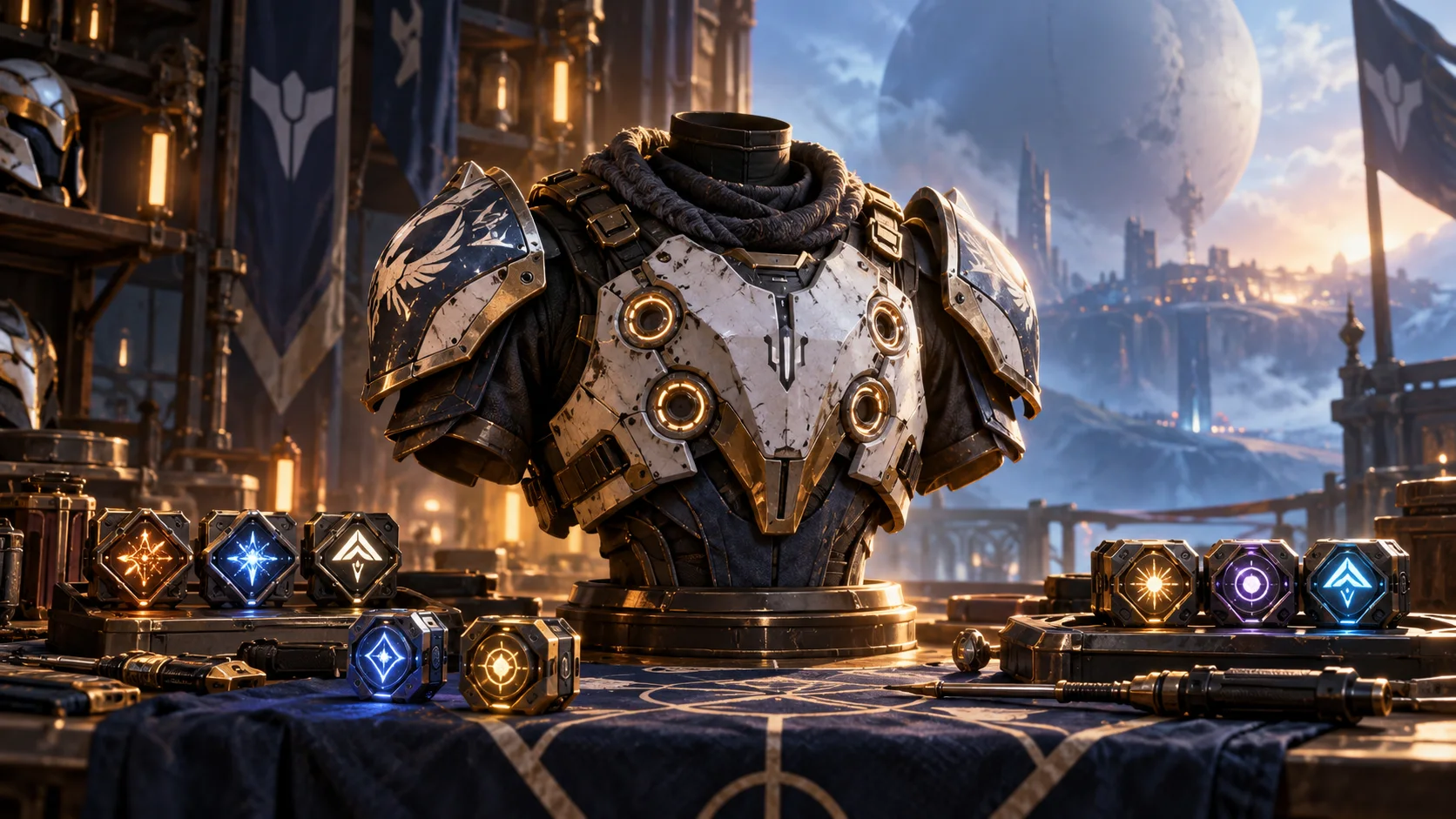
Armor mods work best when you can explain what activates each one and what you expect it to improve. Start with a goal—weapon damage, ability use or a more reliable setup—then choose effects that support the actions you already perform.
Reviewed October 14, 2026. This is a practical list of important mod families and their conditions, followed by an Armor Charge walkthrough and current released corrections. It is not an exhaustive inventory of every mod, energy cost or stacking percentage.
Read the Mod Before Filling the Slot
Armor has general stat support and slot-specific mod sockets. A mod that belongs on one armor piece may not be offered on another. Read the available effects and energy cost on the piece you are editing. Official armor-mod overview.
For the surrounding stats, tier, set and Masterwork choices, use the Armor 3.0 Guide. Adding a mod, raising item Power and changing a set arrangement are different decisions.
Useful Mod Families and Named Examples
Choose an effect for a specific job
| Family or example | What to inspect |
|---|---|
| Siphon · Helmet | Orbs from the matching weapon damage type. |
| Heavy Handed · Arms | Orb generation for a melee-focused setup. |
| Weapon Surge · Legs | Extra damage for the matching weapon element. |
| Ammo Finder | Ammo support for the weapon setup you use. |
| Charged Up · Chest | Capacity for holding Armor Charge. |
| Stacks on Stacks · Legs | Armor Charge generation support. |
| Time Dilation · Class item | Support for the duration of decaying Armor Charge. |
| Grenade, Melee and Utility Kickstart | Ability refunds with an Armor Charge spending condition. |
Bungie’s current build guide names Heavy Handed, matching-element Weapon Surges and Ammo Finders as examples. Its original Armor Charge framework locates Charged Up, Stacks on Stacks and Time Dilation. Treat the list as a way to find a relevant family, then inspect the current mod rather than copying an old complete build. Current official build examples. Armor Charge support-mod framework.
Generate Orbs with a Weapon You Actually Use
Siphon mods belong in Helmet sockets and allow weapons of the matching damage type to generate Orbs of Power. Kinetic and Harmonic Siphon are named examples in Bungie’s introduction of the system. Official Siphon introduction.
Choose the effect around the weapon doing your ordinary enemy clearing. If you change weapons or elements, check the match again. A mod selected for a weapon you barely fire may contribute much less during the run than you intended.
Keep creating an Orb and collecting it separate in your plan. Notice where the pickups appear and whether your normal route lets you reach them. An effect you cannot reliably activate is a weak foundation for the rest of the setup.
Armor Charge: Gain, Hold and Use
Bungie’s Armor Charge framework enables the system when you equip a mod that uses it. Collecting an Orb supplies a charge; some effects remain active while charge is available, while others spend it on a trigger. Official Armor Charge framework.
Understand the action that changes your charge
| Stage | What to check |
|---|---|
| Gain | A supported source, then the pickup or activation it requires. |
| Hold | Your charge capacity and whether an equipped effect causes decay. |
| Spend | The action that consumes charge and the benefit it provides. |
| Refresh | How you will gain charge again during the activity. |
The released Armor Charge system makes ongoing benefits cause charge to decay, and includes charge-using Kickstart and finisher effects. Read the selected effect before mixing a long damage window with an action that spends the charge supporting it. Released Armor Charge behavior.
Choose the job first. If you are supporting a weapon-damage phase, plan how to have the needed charge available at that time. If your goal is an ability refund, plan the trigger and the next source of charge. Combining both can be useful, but it needs a deliberate order of actions.
Kickstart: Check the Ability and the Charge
Released Update 7.3.0 requires at least one Armor Charge for Grenade, Melee and Utility Kickstart refunds. Its documented refund depends on the equipped copies and charge consumed. Do not assume an empty charge bank gives the same result as a prepared one. Released Kickstart charge requirement.
Update 9.7.0 changes Melee Kickstart to trigger when a full melee charge is consumed, rather than only when melee energy reaches zero. Flechette Storm triggers it after returning to the ground; Grenade Kickstart already supports multiple charges. The release also fixes Tempest Strike and free-Grapple interactions. Current released Kickstart corrections.
Test the exact ability you intend to use. Watch the charge and energy state before and after a normal cast, then repeat it in a manageable activity. A copied setup may rely on an interaction your equipped ability does not share.
Surges, Orb Pickup and Support Effects
Choose a Weapon Surge for the weapon element you want to support. Keep the actual damage window in mind: having an effect during ordinary enemies does not automatically mean it remains available when the target you care about appears. Official matching-element Surge example.
Update 9.7.0 clarifies that allies must already have at least one Armor Charge for Radiant Light and Powerful Friends. It also corrects multiple Recuperation and Better Already copies granting Class instead of Health on Orb pickup. Released support and pickup corrections.
Update 9.5.0 reduces the stacking benefit of multiple Recuperation mods. It also clears existing non-decaying charge when you equip a mod that introduces decay. Avoid assuming a mid-run mod swap preserves a banked setup. Released stacking and mod-swap changes.
Read what an extra copy adds before spending another slot. The effect you want may compete with another useful option, and a small improvement in one area can remove support your setup needs elsewhere.
Build One Loop You Can Explain
- Choose the activity and the main job of the loadout.
- Select a weapon or ability you use consistently.
- Choose a suitable Orb or charge source when the plan needs one.
- Add the intended benefit and read its activation condition.
- Check energy space and the full equipped setup.
- Run a manageable activity and change one weak part at a time.
A simple weapon-focused plan links your ordinary clearing weapon to pickups and the damage benefit you want later. An ability-focused plan links charge generation to the refund you need. These are selection patterns, not promises of permanent uptime or a strongest build for every class.
When a Mod Does Not Seem to Work
Find the missing condition before replacing everything
| Symptom | Check first |
|---|---|
| No charge appears | Whether the plan has a supported source and a charge-using effect. |
| Charge disappears unexpectedly | Timed decay, a spending trigger or a recent mod swap. |
| An ability gives no expected refund | Required charge, the actual ability and the released trigger rules. |
| A weapon benefit is absent | Element match, charge state and the action the effect requires. |
| An old loadout shows an invalid-mod error | The items and mod selections actually equipped after applying it. |
Bungie’s current known-issues page lists invalid-mod errors for some saved loadouts containing weapons that were later upgraded. Recheck the equipped items and save a working setup rather than assuming the recalled version matches the one you are using. Official issues checked October 14.
The same page lists a Nessus four-piece interaction involving Utility Kickstart and Powerful Attraction, and charge generation failing when Argent Blade is the only charge-generating perk. These are listed issues, not a diagnosis of every failed setup. Compare your exact combination with the current notice. Current Armor Charge interaction notices.
When testing, keep the activity and equipment stable enough to compare results. If an effect is inconsistent, note the action, the charge state and the ability used. That gives you a concrete question to check instead of assuming more copies will solve it.
Artifact Perks and Saved Loadouts
Released Update 9.7.0 provides twenty immediately available loadout slots and saves Artifact selections with a loadout. This supersedes older help text describing twelve slots unlocked through Guardian Ranks. Released loadout behavior.
Bungie’s current issues notice records an Artifact selection reset after Update 9.7.0.2 and tells players to reselect perks or apply a loadout with the intended Artifact saved. Check your selected perks when returning to an older setup. Official Artifact reset notice.
Save a setup after it works with your current weapons and abilities. Name it around the activity or purpose so you can recognize it later. After applying it, inspect the equipped result before starting a demanding run.
Build and Loadout Advice at CFNBoost
CFNBoost’s Destiny 2 coaching offers one-, two- and three-hour build and loadout advice sessions. Self-play is included in those session prices. Bring the setup you want to discuss and a clear question about the effect or activity you are preparing for.
Build and loadout advice sessions
Destiny 2 Live Coaching & Guided Runs
- Live Self-play coaching
- Named guided activity runs
- Separate timed advice sessions
Review the published session total in your preferred display currency, or browse Destiny 2 services for named completion objectives. Advice sessions discuss your choices; they do not guarantee every mod interaction or deliver a perfect equipment set.
Armor Mods FAQ
Activation and loadout questions
Does this guide list every armor mod and exact energy cost?
It covers selected important families and their conditions. Read the current available mods and costs on the armor piece you are editing.
Can I put any mod on any armor piece?
Some effects are slot-specific. Check the sockets and available options on that piece instead of assuming a mod appears everywhere.
Why should I plan both charge generation and spending?
The intended benefit needs a source and an activation plan. Check how you will gain charge, when it is used and how you will refresh it.
Why might Kickstart fail to give the expected refund?
Check the available charge, the exact ability and its trigger conditions. A setup copied from a different ability may not behave the same way.
Should I add extra copies whenever an effect feels weak?
Read what the extra copy adds and what it replaces. Confirm the activation condition first, then test one change.
Will changing mods preserve my existing charge?
Do not assume it does. The released mod-swap rule clears a non-decaying charge bank when you equip an effect that introduces decay.
Should I trust a saved loadout without inspecting it?
Check the equipped items, mods and Artifact selections. Upgrade changes or a selection reset can leave an older saved setup different from what you expect.
What does the coaching card include?
Choose a published timed build and loadout advice session. Self-play is included; it is not a guarantee of every interaction or a complete equipment set.
Sources and Review
Reviewed October 14, 2026. Current Bungie Help examples, released mod changes and current issue notices support this guide. Older articles explain the Armor Charge framework; their old stat names, unrelated activity rules and preview-only details are not treated as current instructions. Practical selection and test steps are original editorial guidance.
- Bungie Help: armor sockets and mods
- Bungie Help: current build examples
- Bungie: original Armor Charge framework
- Bungie: released Armor Charge system
- Bungie: Siphon introduction
- Bungie: released Kickstart charge rules
- Bungie: released mod-swap and stacking changes
- Bungie: released Update 9.7.0
- Bungie Help: current known issues